Finding and staring modules
Section outline
-
-
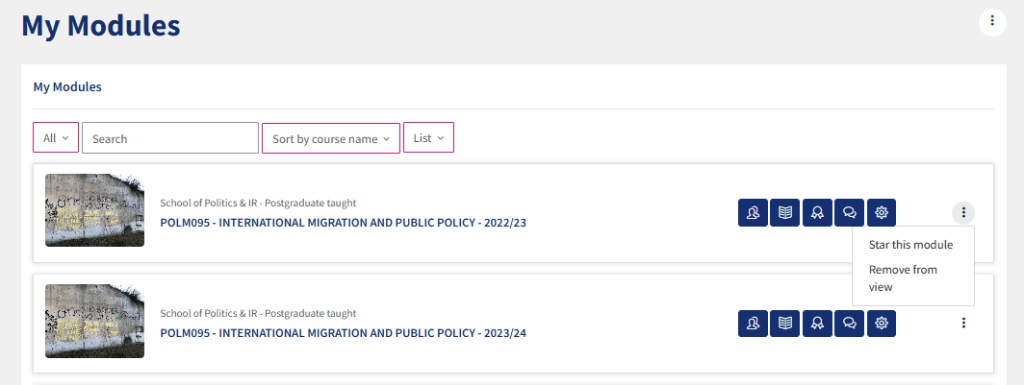
Modules can be found by clicking on the “my modules” icon on the left hand side of the screen and then typing in the module code in the search bar.
You can also save a module so that it always appears on your dashboard. To do this, navigate to “my modules” on the left hand side of the screen. Then you can use the search bar to find your module in the list. Then click on the 3 dot symbol on the far right of your module and click “star this module”
-
