How to Navigate Your Module
Completion requirements
How to Navigate Your Module
On this page, we will show you how to navigate your module pages
Using the 'Course Index'
The 'Course Index' is a feature in QMplus that will help you easily move through the module. Click on the tab in the top left to open it.
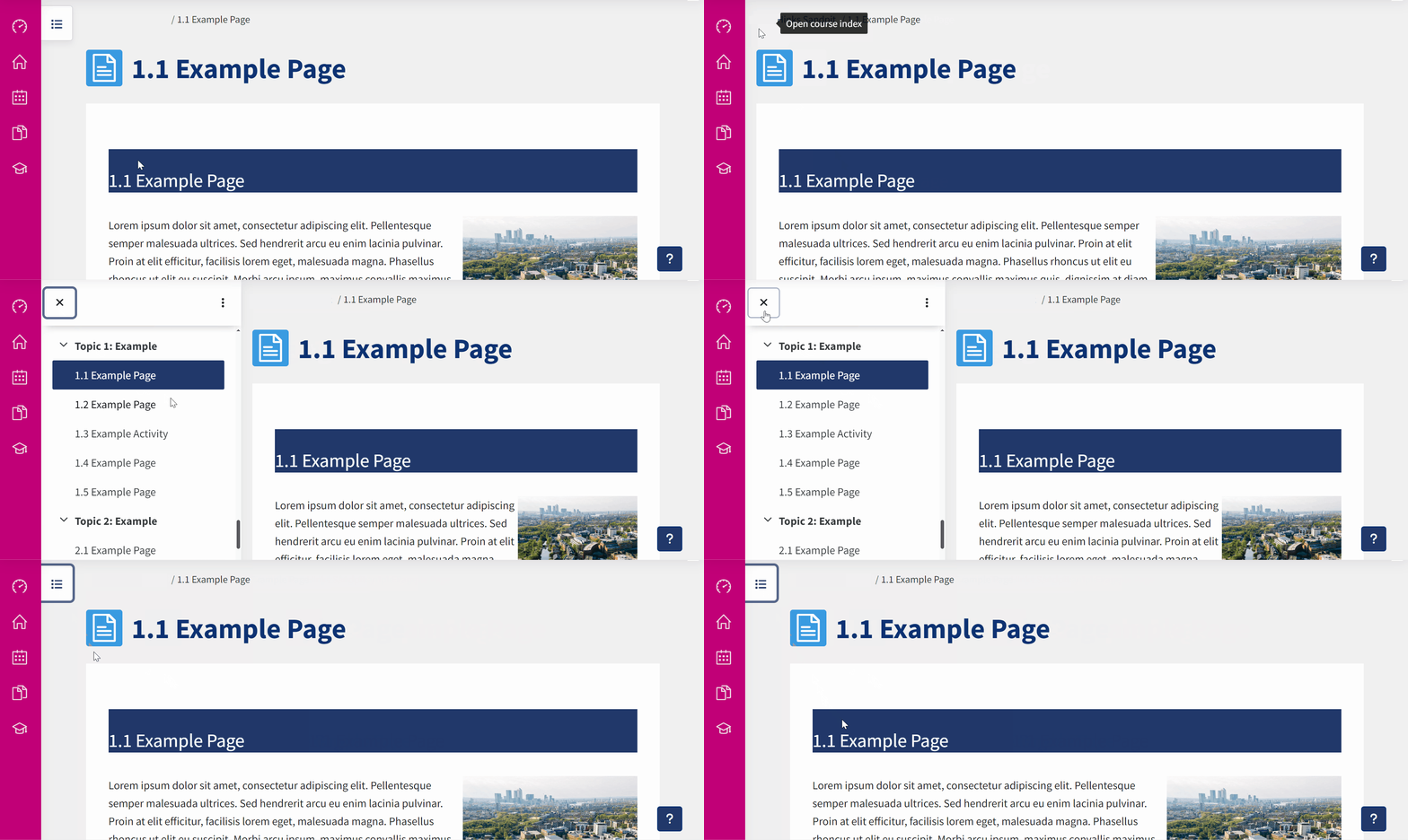
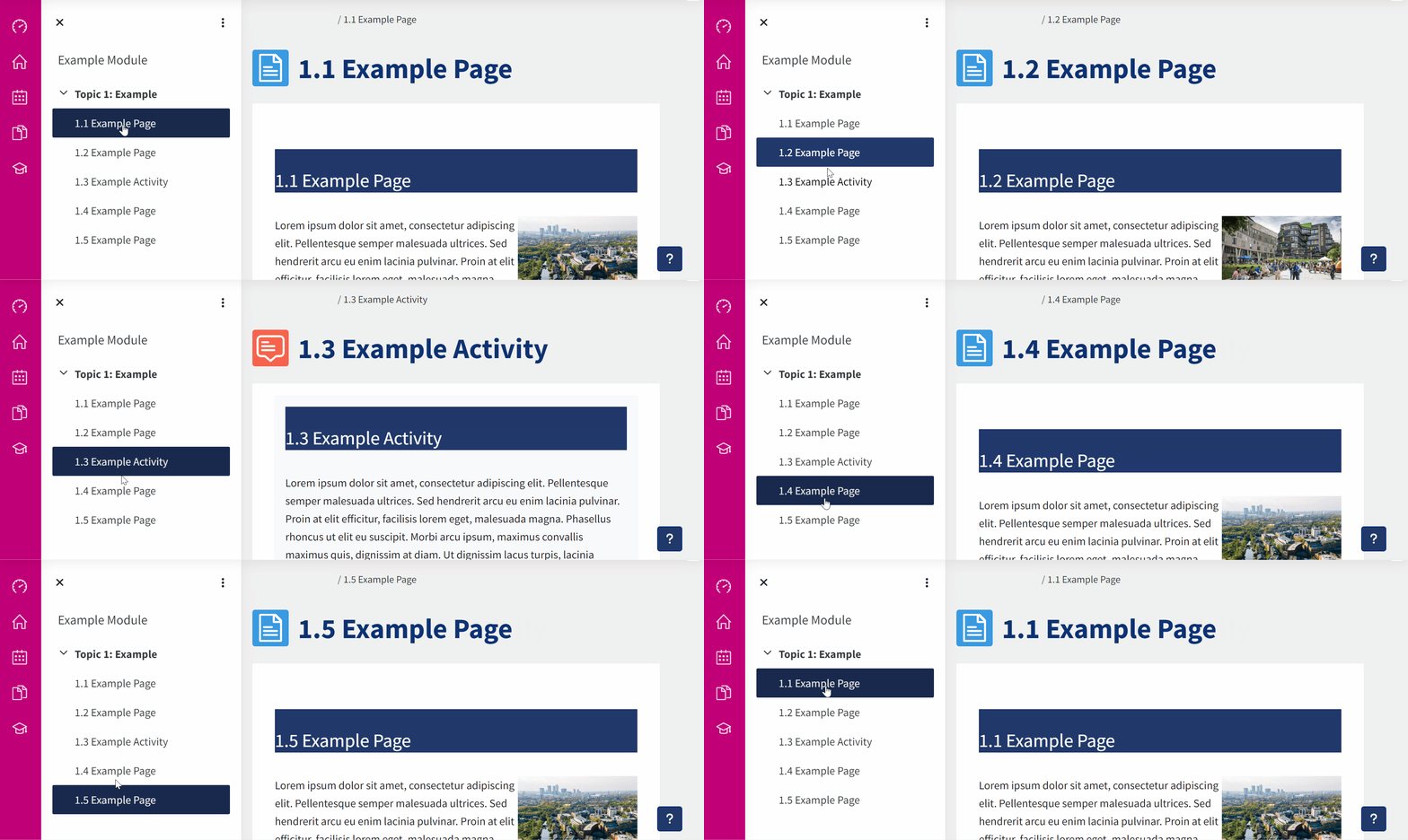
When you have the Course Index open it will show you all the topics, pages and activities on your module. You can use the Course Index to click through the different pages as you progress.